 Tragedian
This game was made for the Havi Egy Játék (HEJ) Game Jam, in October 2026, in a month.
Description
Themes used:
- INDIRECT INTERACTION
- HEAVY METAL
Challenge:
- N64 AESTHETIC
Enter the arena!
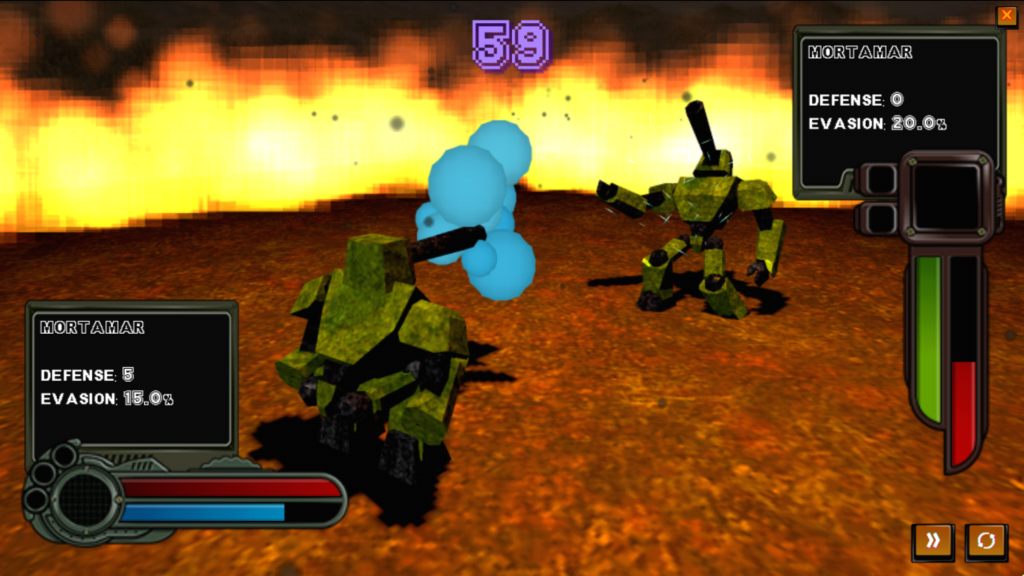
In Metal Fighting Robots, you’ll face increasingly powerful fighter robots in a series of battles. But there’s a catch: you don’t directly control your robot. Instead, you must program its fighting preferences and let it decide how to fight!
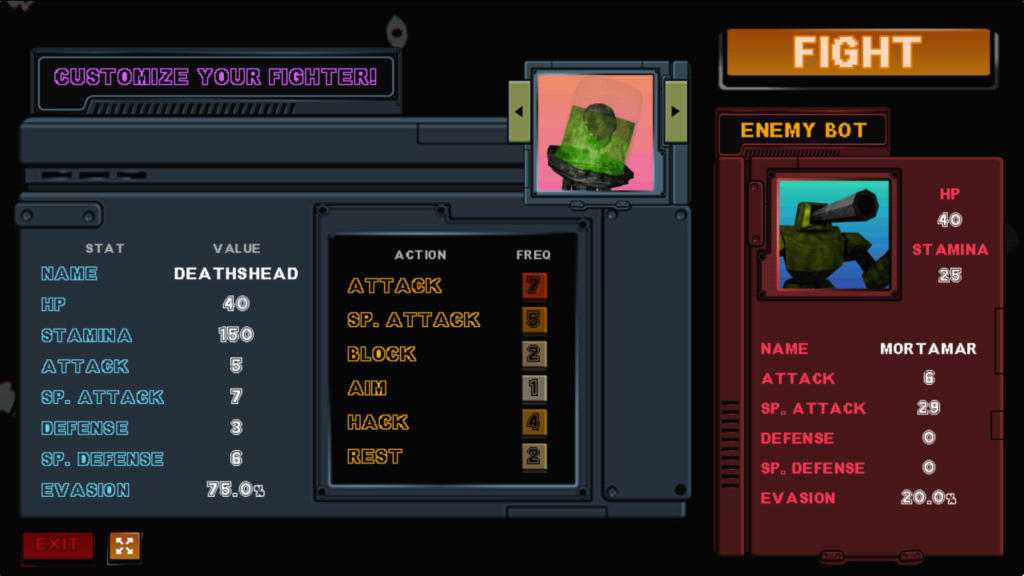
Each action can be assigned a priority value from 0 to 9. The higher the value, the more likely your robot is to perform that action during battle. For example, setting Attack to 1 and Block to 3 makes your robot three times more likely to Block than Attack.
Choose your priorities wisely and build a fighting strategy that makes the most of your robot’s strengths!
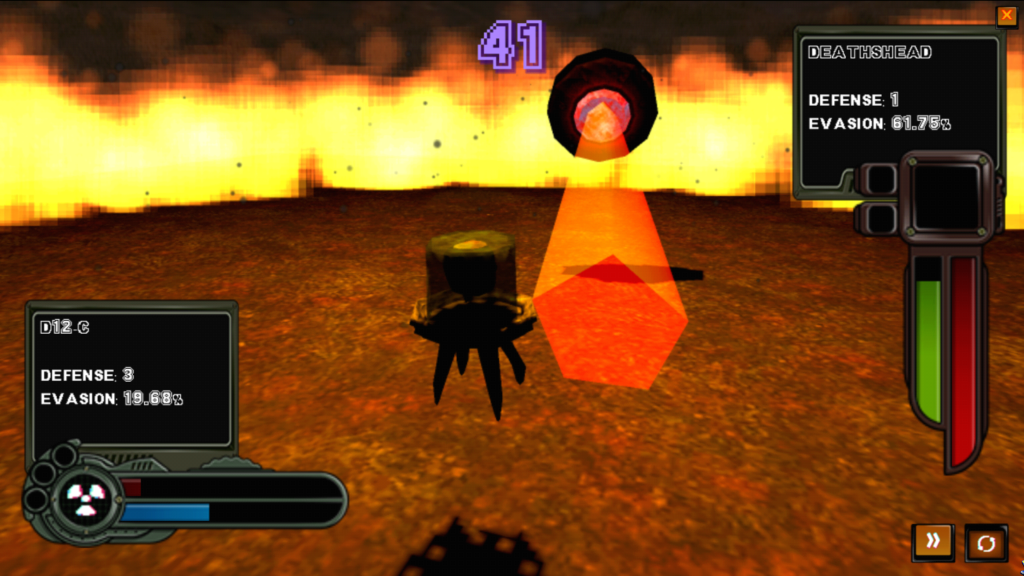
Your available actions are:
- Attack – Deals damage based on your robot’s ATTACK stat, reduced by the enemy’s DEFENSE.
- SP. Attack – Deals damage based on your robot’s SP. ATTACK stat, reduced by the enemy’s SP. DEFENSE.
- Block – Increases your robot’s DEFENSE.
- Aim – Reduces the enemy robot’s EVASION.
- Hack – Reduces the enemy robot’s STAMINA.
- Rest – Replenishes some of your robot’s STAMINA.
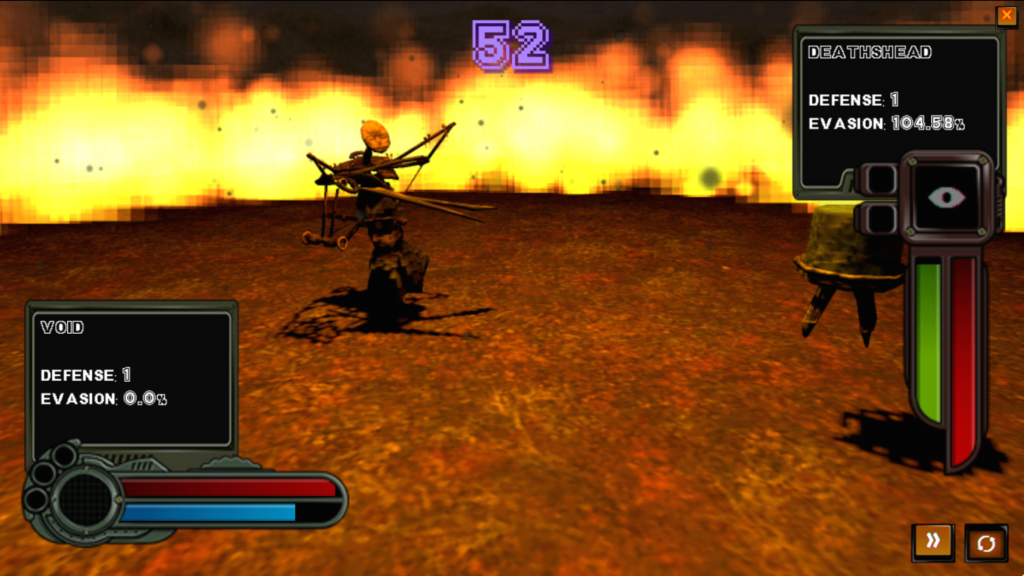
Keep an eye on your robot’s stats during battle:
- HP – Your robot’s health. If it reaches zero, it’s destroyed.
- STAMINA – Your robot’s energy, used for performing actions. If it reaches zero, the robot gets incapacitated for a short duration.
- EVASION – The percentage chance of dodging incoming attacks.
Every robot has different stats, so experiment with different combinations and strategies to find the best fighter for each opponent.
With every round, your opponents become stronger. Before each battle, you can inspect both your robot’s and your opponent’s stats, giving you a chance to adjust your strategy before entering the arena.
Build your strategy, pick your fighter, and fight your way to victory!
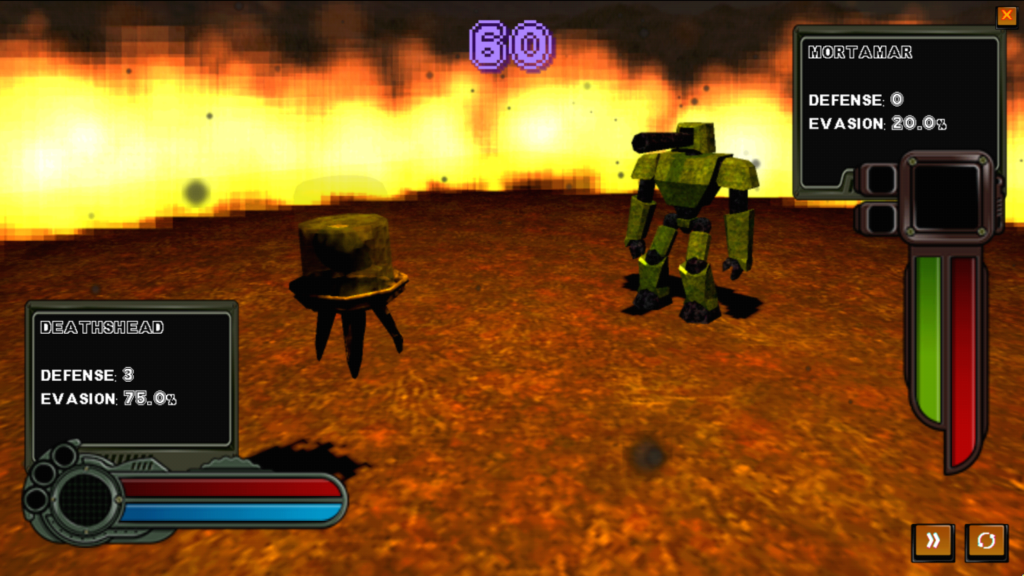
Controls:
- Mouse – All interactions
- Click Action Priority – Increase action priority
- Left / Right Arrows – Switch robots between battles
- Fast Forward Button – Speed up battles
- Camera Button – Toggle dynamic camera
Assets used:
Super Mario 64 Beta Font by Elliot Shook

PSX Horror Entity by Puck
Mirewalker - Retro PSX character by Imaginais

PSX Mega Bundle Textures by Pizza Doggy
Atompunk UI by GabrielaTot

Music and Sound effects by Ovani Sound and GameDev Market


Made with Godot 4.7.2.